
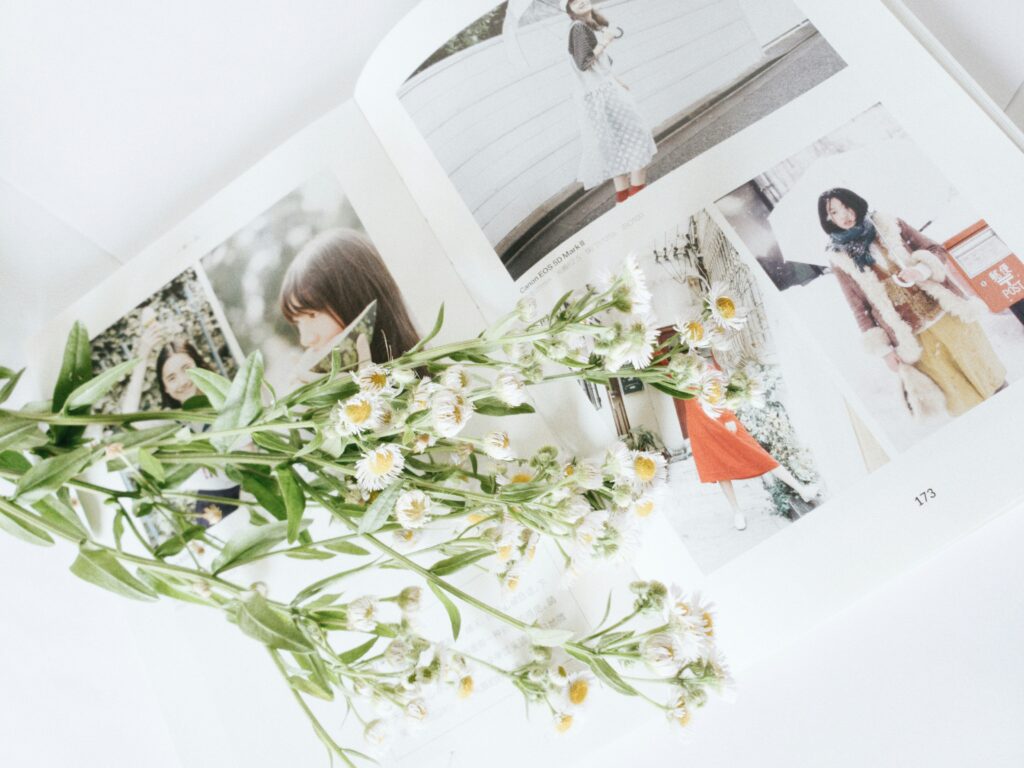
Photobooks are a creative way to capture the essence of your personal growth and achievements.
By curating a collection of photos that represent pivotal moments and triumphs, you create a tangible narrative of your journey.
They act as personalized milestones, encapsulating both the monumental and the minute, often revealing patterns of progress that might otherwise go unnoticed.
Ever wondered how a single image could speak volumes about your evolution over time?
Key Takeaways
- Photobooks can also serve as a narrative of personal milestones.
- Customizing the design enhances the story you tell.
- Sharing your photobook can inspire and connect you with other people.
Designing Your Photobook
When you’re capturing personal milestones in a photobook, the design is just as significant as the photos. Carefully consider the format, themes, and elements to create not just a book, but a journey through your achievements.
Choosing the Right Format and Layout
Your choice of format plays a huge role in how your photobook will be experienced.
For a plush feel, hardcover options like a leather cover or premium leather cover add a touch of luxury. For something more casual, a softcover might do the trick.
Size matters too; from petite keepsakes to large coffee table books, pick a size that suits the story you’re telling.
Templates can simplify the process, with companies like Canva offering a variety of pre-made designs.
Standard layflat or deluxe layflat pages are great for seamless spreads, especially for dramatic travel photo books or elegant wedding photo books.
- Sizes: Choose from small to large for the right impact.
- Cover types: Luxurious leather, practical hardcover, or flexible softcover.
- Page styles: Go for layflat options for uninterrupted images.
Selecting Themes and Styles
A theme brings your photobook to life, setting a mood that reflects your journey.
Want a modern touch? Consider sleek, minimalist templates with bold colors. For something more timeless, a rustic vibe with earthy tones can be heartwarming, especially for a baby photo book or a familial chronicle.
Select a cohesive theme from the get-go to keep your book unified – it’s the backbone of your photobook’s design.
Don’t be afraid to express your personality here; this is all about your story, after all.
- Themes: Choose modern, rustic, or something in between to set the tone.
- Cohesive design: Stick with a consistent theme throughout for unity.
Enhancing with Design Elements
The little details can bring the biggest delight in your photobook.
Add captions to give context to your photos, or use stickers for a playful touch. Fonts and colors are also important – make sure they’re readable but also reflect the feeling of your content.
If you’re going for a polished look, glossy finishes can make your images pop. Remember, the goal is to complement your photos, not overshadow them with too many elements.
- Fonts & Colors: Keep them readable and reflective of your theme.
- Finishes: Glossy for vibrance, matte for a more subdued feel.
Capturing and Sharing Your Journey
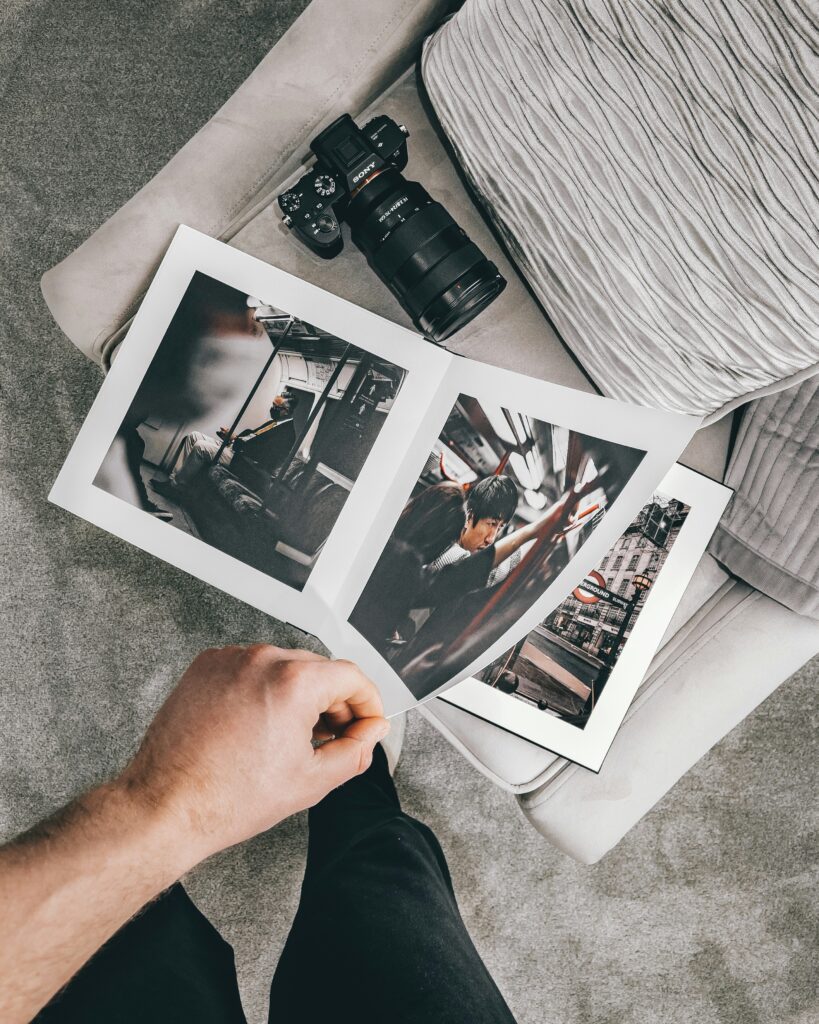
Creating a photobook is like piecing together a map of your life’s key moments. It’s a visual story where each photo is a landmark.
Documenting Milestones and Events
When you hit significant events like a milestone birthday, a graduation, or the birth of a child, your photobook becomes a testament to these moments.
Consider organizing your photos chronologically or thematically to highlight the progression of time and the impact of these milestones.
- Graduation Photo Book: Use sections to break down school years, adding highlights and achievements for each.
- Wedding Photos: Organize by ceremony stages or incorporate behind-the-scenes snaps with family and friends.
Incorporating Personal Narratives
Your photobook doesn’t just show events; it tells your story.
Mix in text with your photos to add context or express your emotions. Write about what these images mean to you or how they reflect changes and growth in your life.
- Captions: Take the viewers on a journey through your words, making them feel as if they were there with you.
- Scrapbook Elements: Use quotes, ticket stubs, or handwritten notes to make your narrative more personal.
Utilizing Technology and Tools
Leverage modern tools to enhance your photobook creation. Use photo editing software to improve image quality or create a digital scrapbook that includes video.
- Editing Tools: Tools like Photoshop can help correct lighting or add artistic flair.
- Digital Scrapbook: Platforms like Instagram provide a way to curate memories; use these to help plan your photo book layout.
Sharing and Presenting Your Photobook
Once you’ve compiled your photobook, it becomes a gift that can be shared with family and friends both online and in-person.
- Online Sharing: Create an eBook version of your photobook to easily share on social media or via email.
- Physical Copies: Consider getting your book printed by a professional publisher to create tangible mementos.
Conclusion
Embrace photography to chart your progress. The visual narrative of a photobook can vividly celebrate your milestones and growth. Keep snapping, and fill those pages!